

YOUR CARDS. RIGHT WHEN YOU NEED THEM.
One less thing
to look for.
Keep the cards and documents you actually use within reach. Brink turns photos into a private, organized wallet that's ready when you are.
Private, on-device processing. Your card and document images stay on your iPhone.
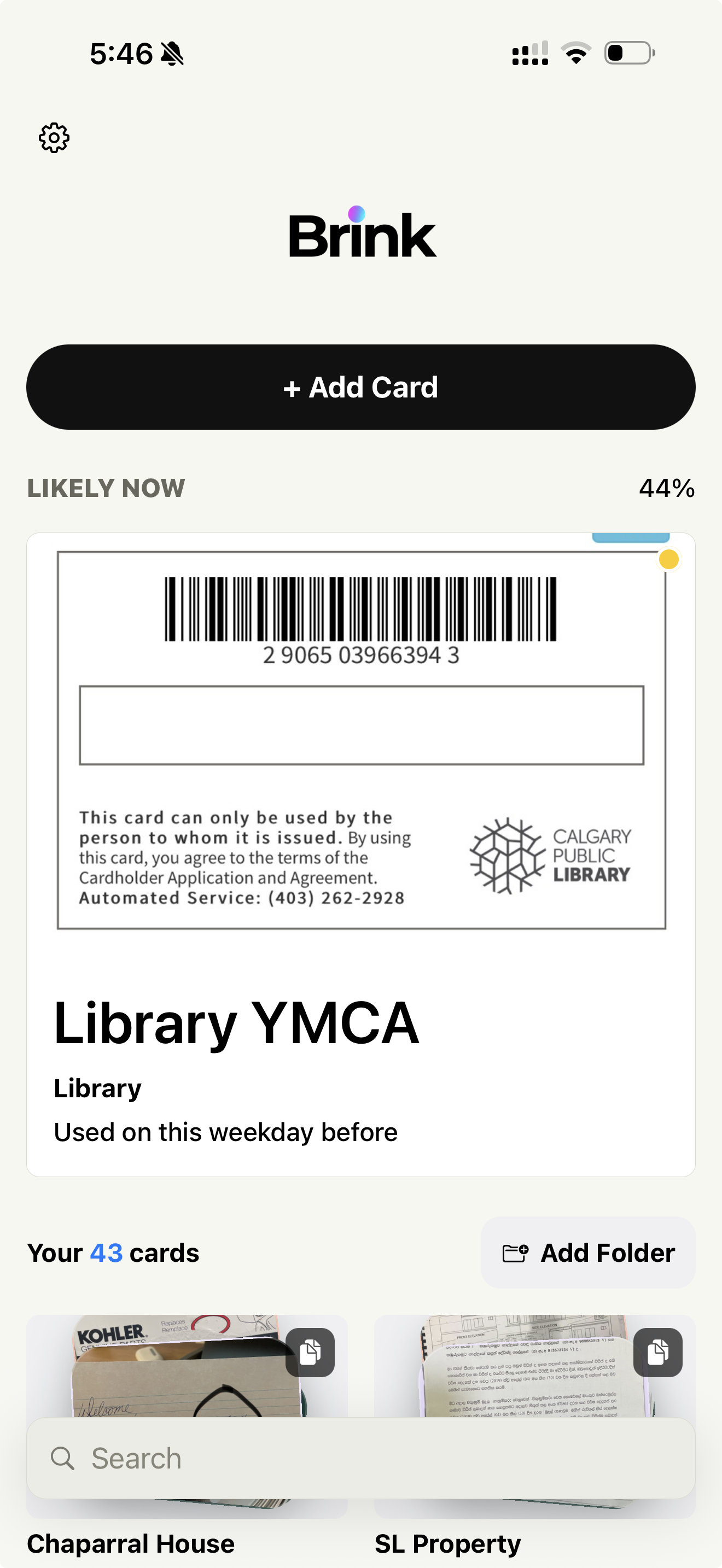
Your everyday cards. One place.
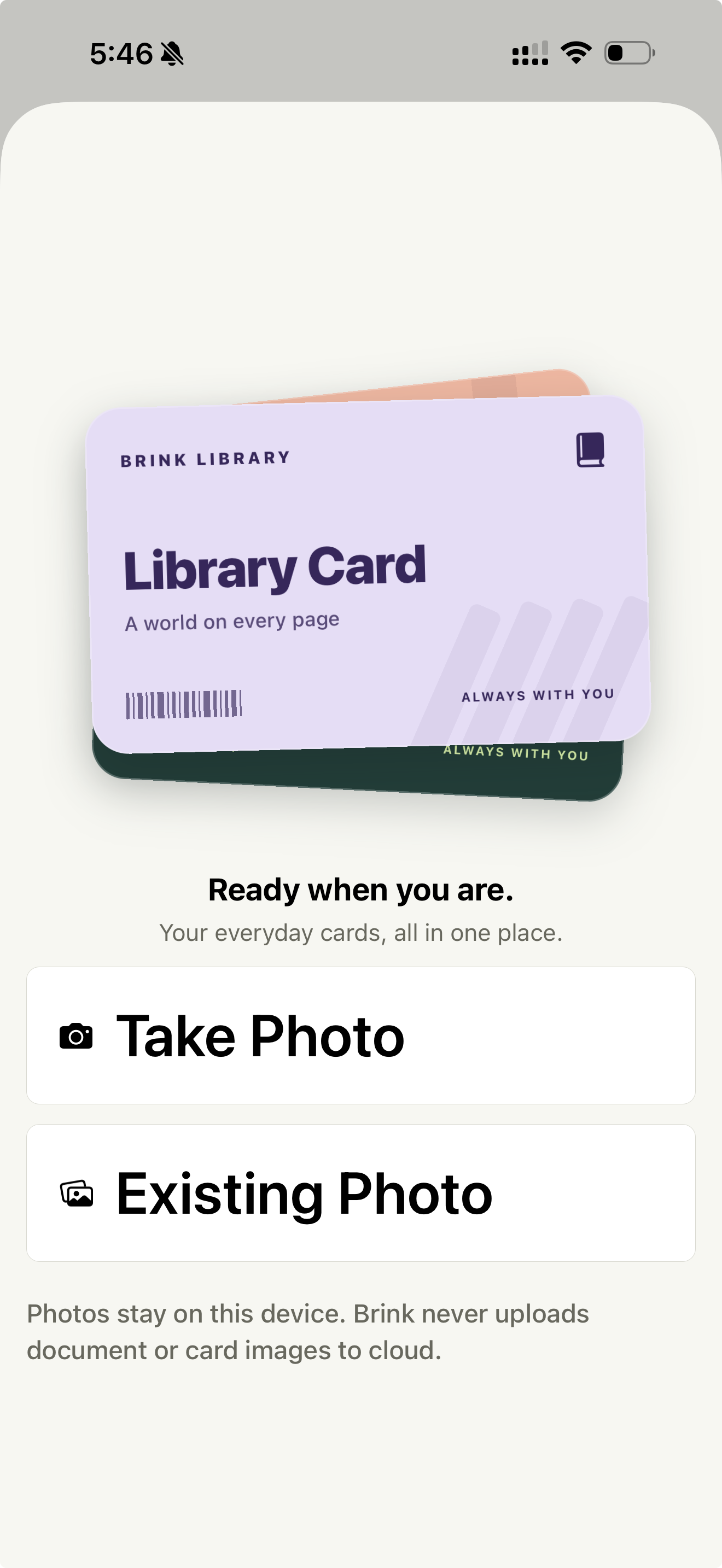
Snap it. Save it.
Stop looking for it.
Take a photo or choose one you already have. Brink keeps the card available when you need it without forcing you to dig through thousands of photos.
You probably already
have them in your Photos.
Brink can scan your photo library on-device and surface likely cards and documents you may want to save.
You stay in control. Brink suggests possible cards and documents, and you decide what gets added.
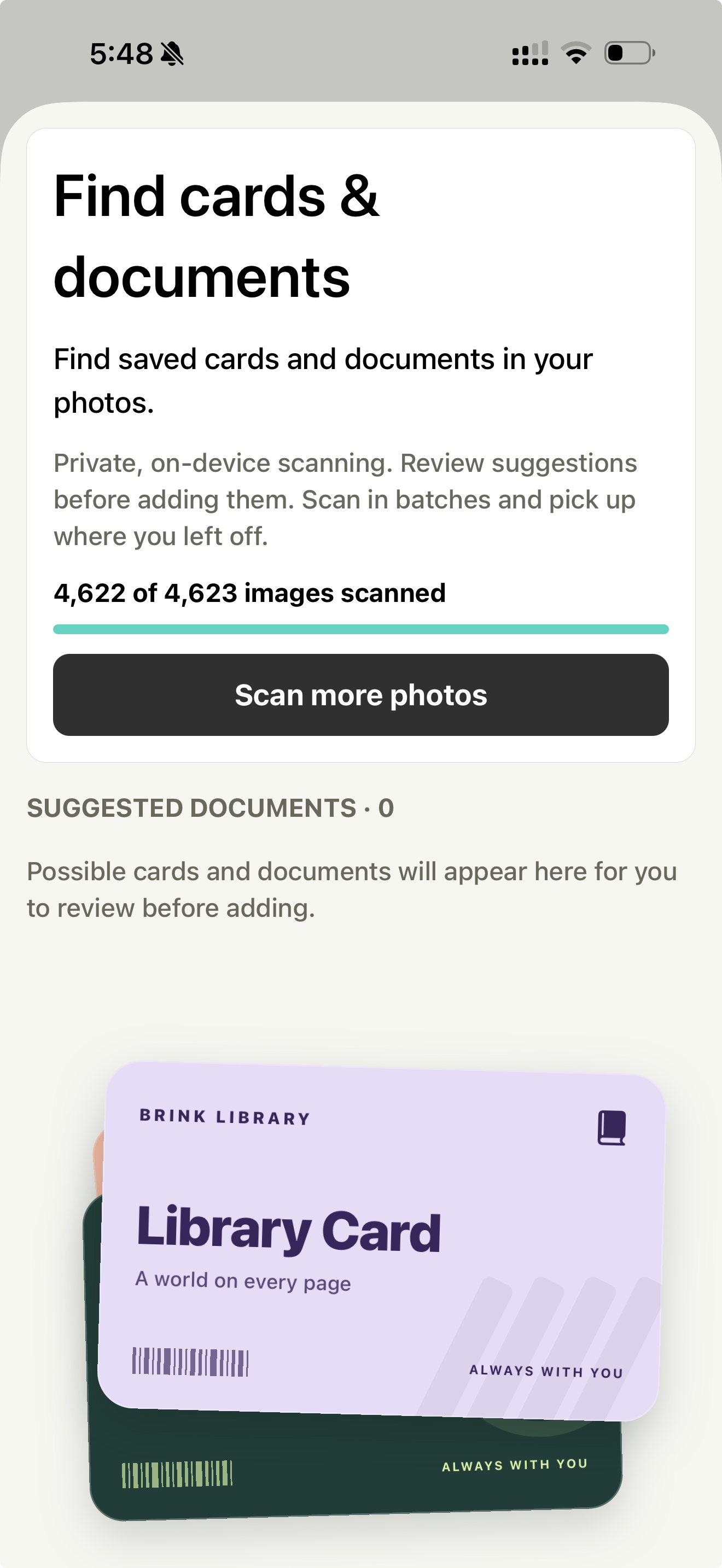
Your documents don't need a round trip to the cloud.
Brink processes card and document images on your device. Your card and document images are never uploaded to Brink's servers for processing.
On-device scanning
Card and document image analysis happens entirely on your iPhone.
Your photos stay on your device
Card and document images are not uploaded to Brink's cloud for processing.
Review before adding
Brink suggests cards; you decide what gets added to your library.
The right card
can find you.
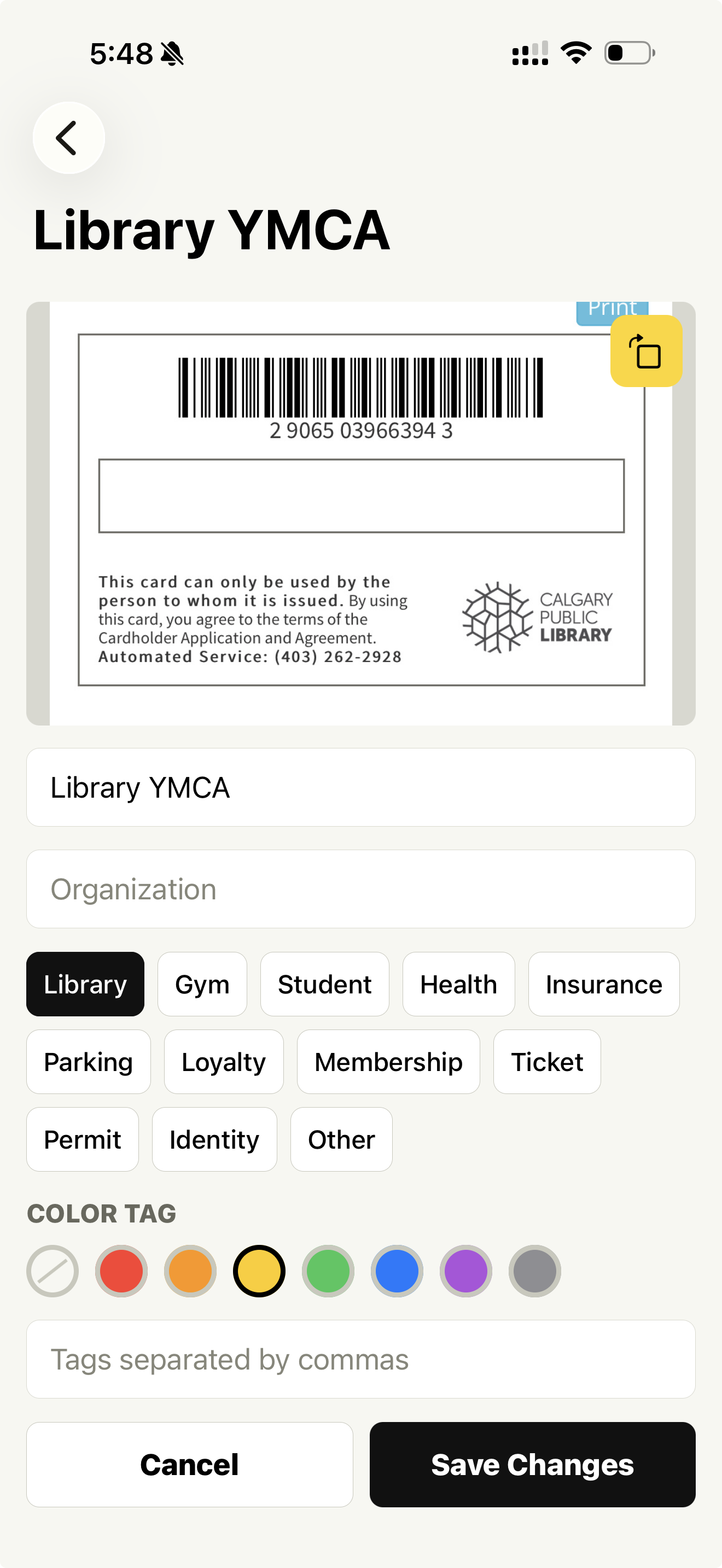
Brink can surface cards that may be useful based on signals such as when you've used them before, so the card you need can be waiting near the top.
Library YMCA
Used on this weekday before
Suggestions are predictions based on available signals, not guarantees. You always have full access to all your cards.
43 cards doesn't have
to feel like 43 cards.
Organize cards your way with categories, folders, colors and tags—or just search when you need something.
Built for the things
you actually carry.
Library
Pull up your library barcode without searching Photos.
Gym
Keep your membership ready for check-in.
Student
Keep student cards easy to reach.
Membership
Save the cards you use again and again.
Parking
Keep permits and parking information handy.
Insurance
Quick access when you need the details.
Tickets
Keep frequently needed passes organized.
Loyalty
Stop hunting through screenshots.
Documents
Keep useful document photos easy to find.
From photo to ready in seconds.
ADD
Take a photo or choose one from your library.
ORGANIZE
Give it a name, category, color or tags.
FIND
Search, browse or let Brink surface a likely card when you need it.
Your cards are personal.
Brink treats them that way.
Card and document images stay on your device and are not uploaded to Brink's cloud for image processing.
Read our privacy policyQuestions? We've got
cards on the table.
No. Card and document image analysis is performed on your iPhone. Your card and document images are not uploaded to Brink's servers for processing.
Brink Find can scan your photo library to surface likely cards and documents. You grant access and can stop scanning at any time. Scanning is done on-device.
Yes. Brink suggests possible cards and documents for you to review. You decide what gets added to your library.
Library cards, gym passes, student IDs, health cards, insurance cards, parking permits, loyalty cards, membership cards, tickets, receipts, and other document photos you want quick access to.
Yes. You can create folders and organize your cards however you like.
Yes. Brink includes a search feature so you can quickly find any card by name.
Your saved cards are stored on your device and are accessible without an internet connection. Some account features may require connectivity.
Brink is currently available for iPhone. Android availability has not been announced.
One less thing
to look for.
Your everyday cards, ready when you are.
Made for iPhone.